
Your website doesn’t announce when it’s failing you. There’s no alert when a plugin goes out of date, when your contact form quietly stops sending emails, or when a competitor’s faster site starts outranking yours. It just… underperforms. Slowly. Until a customer tells you the form didn’t work, or you notice traffic dipped three months ago and nobody caught it.
That’s what website maintenance is for — and if you’re running a small or medium-sized business in Malaysia, it’s worth understanding what it actually involves before you decide whether (and how) to pay for it.
What is website maintenance?
Website maintenance is the ongoing work that keeps a site secure, fast, accurate, and online — after it’s been built. A website isn’t a one-time purchase like a brochure; it’s closer to a shopfront that needs the locks checked, the shelves restocked, and the lights kept on. Skip that upkeep and the site doesn’t collapse overnight — it degrades: slower load times, outdated content, security gaps, and a slow bleed of the traffic and trust you worked to build.
What does website maintenance include?
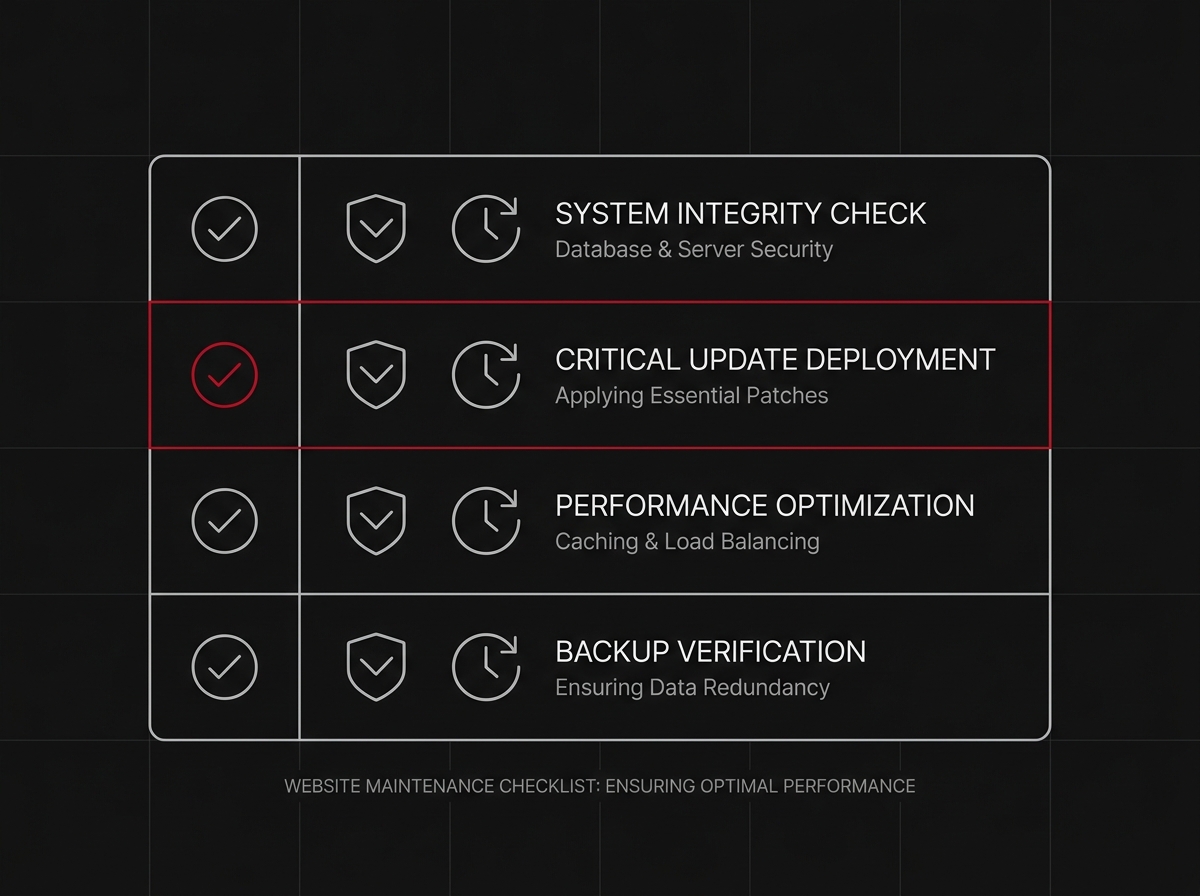
Under the umbrella of “maintenance” sits a handful of distinct jobs. A serious plan covers all of them — not just one.
Security & updates
CMS core, plugins, and themes need regular updates. Each one that’s skipped is a door left ajar for bots scanning for outdated software to exploit. This is the single most common way small business sites get hacked or defaced.
Backups
A current, tested backup means a hack, a bad update, or a hosting failure costs you an hour, not your entire site. No backup means every change is a bet.
Speed & performance
Images pile up unoptimized, plugins accumulate, and hosting gets outgrown. A site that loaded fine at launch can be sluggish two years later — and speed affects both conversions and Google rankings.
Content & small edits
Prices change, team photos go stale, opening hours shift. A site that isn’t touched for a year reads as a business that isn’t being run — even if it is.
Uptime monitoring
If your site goes down at 2am, do you find out from a monitoring alert or from a customer who couldn’t reach you? Monitoring closes that gap.
How much does website maintenance cost in Malaysia?
Costs vary widely depending on who’s doing the work and how much is actually included:
- DIY: free in cash, expensive in time — and risky if you’re not comfortable with backups, updates, and troubleshooting under pressure.
- A freelancer on an ad-hoc basis: cheaper per hour, but reactive by nature — you’re paying when something’s already broken, not preventing the break.
- A managed care plan with a studio: a fixed monthly fee that bundles updates, backups, monitoring, and small edits into one predictable line item, handled proactively instead of after the fact.
At Espejostudio, ongoing site care starts from RM 279/month, with the first year included when the site is built and hosted with us. If migrating an existing site onto a care plan, that’s scoped and quoted individually — the work varies too much site to site to give a blanket number.
Signs your website needs maintenance now
- Plugin or CMS update notices you’ve been ignoring for months
- Pages that load noticeably slower than they used to
- Content, prices, or team info that’s out of date
- No idea when the last backup was taken
- A contact form you haven’t tested in a while
- Rankings or traffic quietly declining with no obvious cause
If two or more of these sound familiar, it’s worth an audit before it’s worth a fix.
DIY vs a managed care plan — when each makes sense
DIY can work if you (or someone on your team) genuinely has the time and technical comfort to stay on top of updates, backups, and monitoring every month, without it sliding down the priority list. For most growing and established SMEs, it doesn’t — the website isn’t the job, running the business is. A managed care plan exists for exactly that reason: it puts the upkeep on someone whose job it is to catch problems before they cost you customers, so you’re not the one checking plugin versions between everything else on your plate.
FAQs
How often does a website need maintenance?
Security updates should be checked monthly at minimum; backups should run automatically, ideally daily or weekly depending on how often the site changes. Content reviews once a quarter catch most staleness issues.
What happens if I don’t maintain my website?
Nothing dramatic at first — then, usually, something does: a security breach, a broken form nobody noticed, or a slow decline in rankings as competitors keep their sites current and yours doesn’t.
Is hosting included in website maintenance?
Not always — it depends on the provider. Ask explicitly what’s bundled: hosting, updates, backups, monitoring, and edits are often sold separately unless you’re on an all-in care plan.
Not sure whether your site actually needs attention, or just wants it? Talk to us about a Care plan and we’ll tell you honestly what state it’s in — no upsell, no scare tactics.